HARDWARE AND SOFTWARE
Hardware and software are the two basic parts of a computer system.
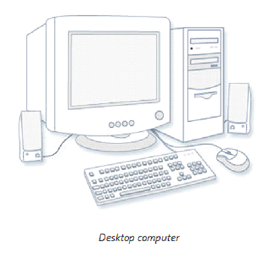
Hardware is any part of a computer system you can see or touch.
Peripheral - a peripheral is any piece of hardawre attached to a computer such as a printer.
Software is a set of electronic instructions that tell a computer what to do. You cannot see or touch software, but you can see and touch the packaging the software comes in.
Application Software - allows you to accomplish specific tasks. Popular application software includes Microsoft Word and Open Source Offices apps.
Operating System Software controls the overall activity of a computer. Most new computers comes with the Windows 7 or Windows 10 operating system software.
How Computer Work
A computer collects, processes, stores and outputs information.
INPUT
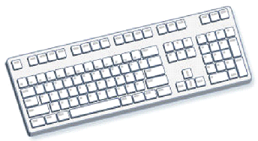
An input device lets you communicate with a computer. You can use input devices to enter information and issue commands. A keyboard, mouse and joystick are input devices.
PROCESS
The Central Processing Unit (CPU) is the main chip in a computer, it is its brain. The CPU processes instructions, performs calculations and manages the flow of information through a computer system. The CPU communicates with input, output and storage devices to perform tasks.
STORE
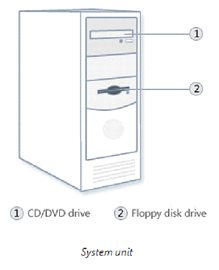
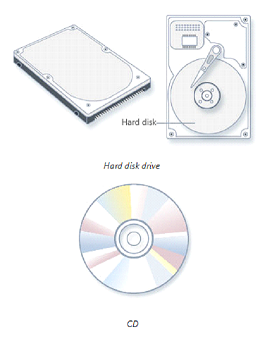
A storage device reads and records information on storage media. The computer uses information sotored on the storage media to perform tasks. Popular examples of storage devices include a hard drive, floppy drive, CD-Recordable drive and tape drive.
OUTPUT
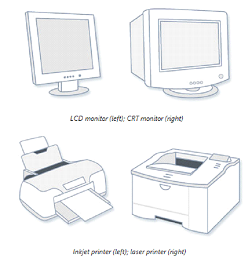
An output device lets a computer communicate with you. These devices display information on a screen, create printerd copies or generate sound. A monitor, printer and speakers are output devices.